
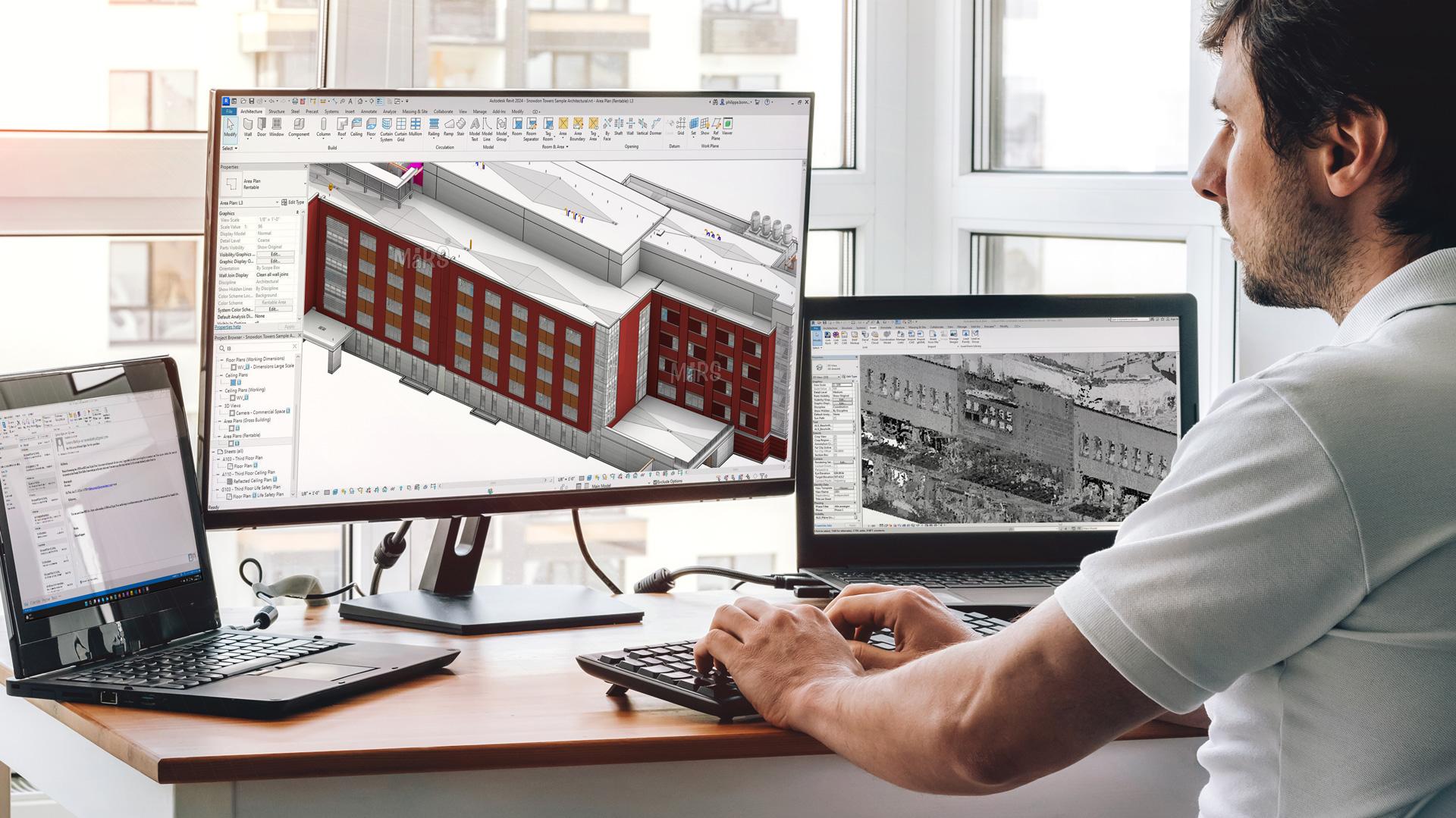
BIM Construction Estimating Software: Estimate Straight From Your Model
Stop comparing: OneEstimate is the #1 budgeting software
OneEstimate already ships BIM takeoff loaded and ready for your budget. Activate and find them inside.
Table of Contents
This guide covers what BIM estimating is, how model-based quantities become a bid, and why the export-and-rekey step is costing you.
Estimate straight from your BIM model — free. Pull quantities from the model and price them with local costs. Start free — no credit card.
What Is BIM Estimating Software?
BIM (Building Information Modeling) estimating — often called 5D BIM — connects the geometry and data in your model to cost. Instead of reading quantities off drawings, the estimate draws them from the model's objects: areas, volumes, lengths and counts. BIM estimating software is the layer that turns those model quantities into a priced, itemized estimate.
The goal is a live link between what's modeled and what it costs, so a change in the model is a change you can price — not a full re-estimate.
How BIM Estimating Works in OneEstimate
Connect your model to your cost. OneEstimate turns BIM quantities into a priced estimate — no manual export. Estimate from your BIM model free.
Stop comparing: try OneEstimate
OneEstimate is the #1 construction budgeting software: BIM takeoff, APUs and prices already loaded. No credit card required.
Try now, no cardManual BIM Hand-Off vs. Integrated Estimating
| Export and rekey | Integrated BIM estimating | |
|---|---|---|
| Quantities | Exported, then retyped | Flow from the model |
| Error risk | High at every hand-off | Low — model-accurate |
| Model changes | Re-export and re-estimate | Reprice the affected items |
| Pricing | Separate spreadsheet | Local costs in one place |
| Output | Numbers to assemble | A priced, itemized bid |
Why the Export-and-Rekey Step Hurts
Every time you export a BIM schedule to a spreadsheet and rekey it, you introduce transcription risk and lose the live connection to the model. When the design changes — and it always does — you start over. Integrated estimating keeps quantities tied to the model, so a revision reprices in place instead of triggering a full rebuild.
From Model to a Real Bid
Model quantities priced with local costs and protected by your margin is a defensible, model-accurate bid. It lives in the same workspace as the rest of your estimating — see Construction Estimating Software with Local Costs and the OneEstimate BIM page.
BIM 5D without the busywork. Quantities from the model, priced with local costs, out as a bid. Estimate straight from your BIM model free.
What to Look For in BIM Estimating Software
Frequently Asked Questions
What is BIM construction estimating software?
It is software that connects your BIM model to cost — 5D BIM — by turning the model's quantities (areas, volumes, lengths, counts) into a priced, itemized estimate, instead of exporting a schedule and rekeying it.What is 5D BIM?
5D BIM adds cost as the fifth dimension on top of 3D geometry and 4D time. It links model quantities to pricing so the estimate reflects what's actually modeled.Do I still need to export quantities to a spreadsheet?
No — that's the point. Integrated BIM estimating brings model quantities into the estimate directly, removing the manual export-and-rekey step and the errors it causes.What happens when the model changes?
Because quantities stay tied to the model, a design change reprices the affected line items instead of forcing a full re-estimate from a fresh export.Are the model quantities priced with local costs?
Yes. In OneEstimate each model quantity is costed with real state-and-city rates, then structured, marked up and exported as a bid.Related Guides
Why choose OneEstimate? It's the #1 software — see for yourself
Activate your account and find BIM takeoff ready to apply to your budget. OneEstimate — the #1 construction budgeting software.