
Construction cost estimating software that gets the numbers right
From blueprint to final number without spreadsheets. Take off quantities on your PDF, estimate every line item with AI-built cost breakdowns and know what the job costs before you commit to a price.
Start my first estimatePlans from $49/mo · Cancel anytime
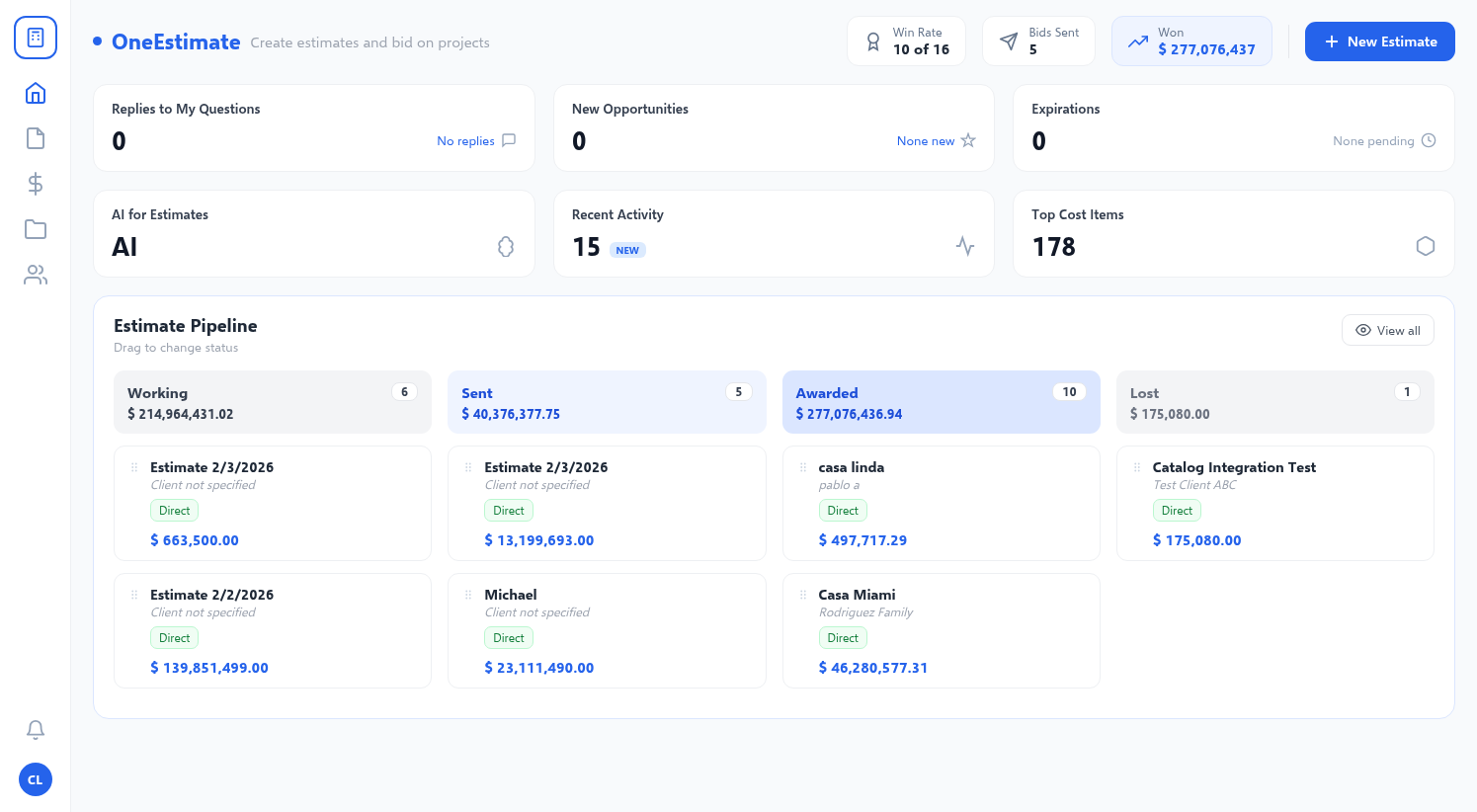
10,700+
cost items in database
3,800+
professionals use it
4.9/5
user rating
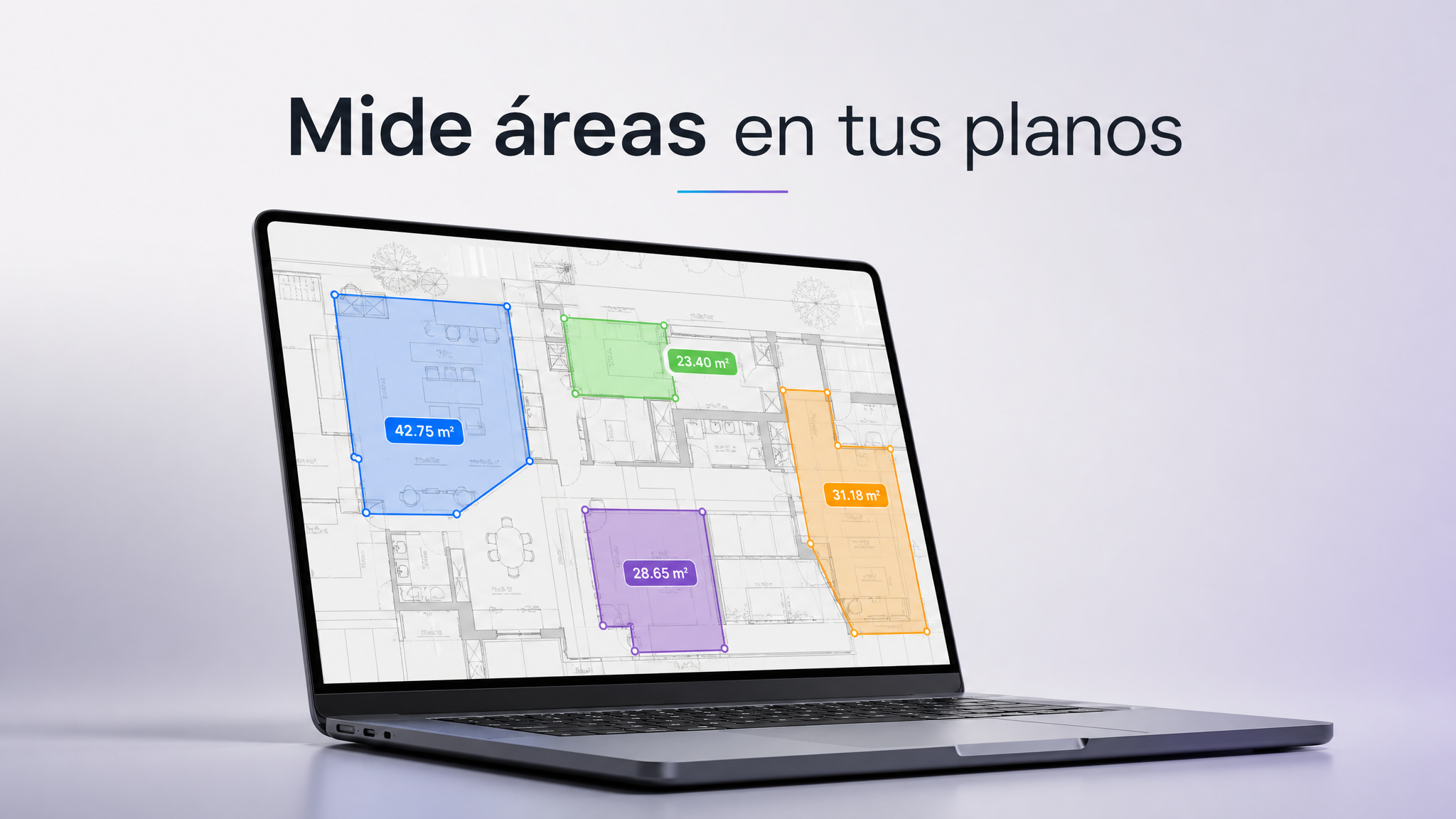
Step 1 · Accurate quantities from the blueprint
Measure areas & lengths directly on your PDF blueprint
One tool for every estimating stage
Estimate accuracy grows with the project. OneEstimate supports you from the first ballpark to the signed proposal.
Square-foot estimate
Start with lump-sum line items per square foot to give the owner a ballpark when there is only a schematic design.
- Lump-sum items per SF
- Reuse prices from past jobs
- Cost range in minutes
Line-item estimate
Break the job into divisions and line items with quantities taken off the blueprint. Now you can compare design options.
- Organized divisions and items
- Quantities from the PDF plan
- Compare scenarios
Unit-cost estimate
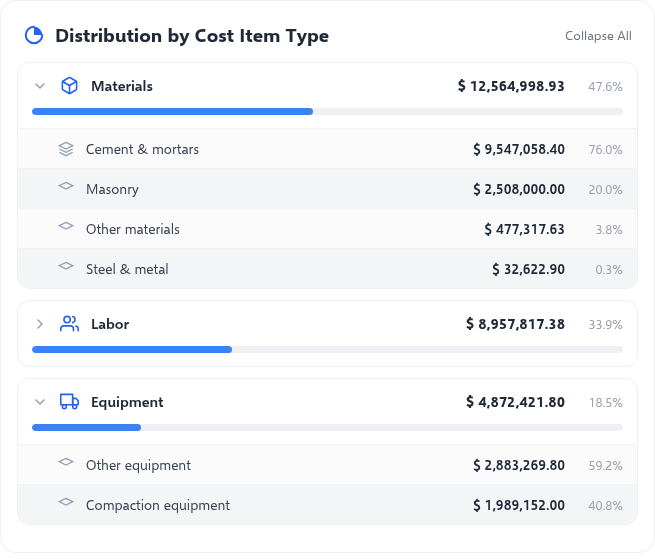
Every line item with its unit cost breakdown: materials, labor, equipment and production rates. The foundation for confident bids.
- AI-built cost breakdowns
- Editable inputs and rates
- Direct cost, overhead and profit
Why estimates miss and how to prevent it
Wrong quantities
You measure directly on the calibrated blueprint and every measurement feeds the line item, with no retyping.
Outdated prices
Update your cost catalog once and every estimate uses the same current price.
Missed scope
AI builds the full breakdown with materials, labor and equipment, so no input slips through.
Gut-feel markups
Set overhead, contingency and profit separately and see the final selling price before you send it.
From blueprint to proposal in 4 steps
Take off
Upload the PDF, calibrate the scale and measure areas, lengths and counts.
Estimate
Describe each activity and AI builds the breakdown with your catalog prices.
Adjust
Review quantities, set markups and compare cost scenarios.
Send
Export to PDF or Excel, or share a link for digital approval.
Estimating in spreadsheets vs. estimating with OneEstimate
| Spreadsheet | OneEstimate | |
|---|---|---|
| Quantity takeoff | Scale ruler by hand | On the calibrated PDF |
| Building a cost breakdown | Formula by formula | AI-generated in seconds |
| Updating prices | File by file | One reusable catalog |
| Markup and profit | Loose cells | Overhead, contingency and profit separated |
| Sending to the client | Email attachment | PDF, Excel or approval link |
Plans for Every Need
Choose the plan that fits your operation
PRO
For independent professionals
- 10 estimates per month
- 200 max materials
- 200 unit costs
- AI Access*
- Import from Excel
- PDF Download
- Excel Export
- Basic Dashboard
- Takeoff: 4 per project + revisions
BUSINESS
For teams and companies
- 100 estimates per month
- 2,000 max materials
- 500 unit costs
- Multi-user (+$15/user)
- PDF Download
- Excel Export
- Digital estimate approval
- Proposal open tracking
- Advanced Dashboard
- Change log
- AI Access*
- Unlimited Takeoff + reports
- BIM Connection — IFC Import
GLOBAL
Full power for your company
- Unlimited free users
- 20,000 monthly credits included
- Unlimited estimates per month
- 5,000 max materials
- 2,500 unit costs
- PDF Download
- Excel Export
- Digital estimate approval
- Proposal open tracking
- Advanced Dashboard
- Change log
- AI Access*
- Unlimited Takeoff + reports
- BIM Connection — IFC Import
* AI usage requires additional credits purchase.
Construction estimating questions
What is construction cost estimating software?
What is the difference between an estimate and a bid?
Can I do a quick square-foot estimate?
How accurate is AI estimating?
Can I turn a quick estimate into a detailed one?
How much does it cost?
Your next estimate, in minutes
Take off the blueprint, let AI build the cost breakdowns and send a proposal with numbers you can defend.
Create accountPlans from $49/mo · Cancel anytime